
A faster Shopify store, without starting over
Most slow Shopify stores are not slow because of Shopify. They are slowed down by app scripts, oversized images and video, web fonts and tracking tags that pile up over the years. We find what is weighing your store down, fix it on a copy of your theme, and show you the before and after.
Consultants In A Box is an independent consultancy. We are not affiliated with, endorsed by, or sponsored by Shopify. Shopify is a trademark of Shopify Inc.
Where the speed goes, and how we get it back
We work through the usual culprits in order of impact, so the biggest gains come first.
Core Web Vitals diagnosis
We test your home, collection, product and cart pages on mobile and desktop, and read your real-user data to see which pages and metrics are actually failing.
See moreApp & script audit
Every app and script that loads on the storefront, what it costs in speed, and whether it is still needed, including leftover code from apps you uninstalled long ago.
See moreImages, fonts & video
Right-sized, modern image formats, lazy loading below the fold, fewer and lighter web fonts, and video that does not load until someone wants to watch it.
See moreTheme code clean-up
Unused sections, duplicate libraries, render-blocking CSS and JavaScript, and heavy sliders trimmed or replaced, with every change tested on a duplicate theme.
See moreThird-party tags
Analytics, ad pixels, chat widgets and pop-ups reviewed, de-duplicated and loaded at the right moment, without breaking your tracking or conversion data.
See moreBefore & after reporting
Lab scores from PageSpeed Insights and Lighthouse before and after, followed by real-user field data once it catches up, so you see what changed for real shoppers.
See moreThe three numbers that matter, and what hurts them on Shopify
Google measures page experience with three Core Web Vitals. Here are its published thresholds and the most common causes we see on Shopify themes.
| Metric | Good | Poor | Common causes on Shopify themes |
|---|---|---|---|
| LCPLargest Contentful Paint: how quickly the main image or headline appears | 2.5 s or less | Over 4 s | Oversized hero images and sliders, hero images loaded late, render-blocking app scripts and web fonts. |
| INPInteraction to Next Paint: how quickly the page responds to a tap or click | 200 ms or less | Over 500 ms | Too much JavaScript from apps and tags, heavy variant pickers, cart drawers and pop-ups competing for the browser. |
| CLSCumulative Layout Shift: how much the page jumps around while loading | 0.1 or less | Over 0.25 | Images without set sizes, announcement bars and app widgets that load late and push content down, font swaps. |
Thresholds from Google's Core Web Vitals guidance, measured at the 75th percentile of real page visits.
Lab tests and real shoppers
We measure with two kinds of data, because each tells you something the other cannot.
PageSpeed Insights & Lighthouse
A controlled test on a simulated phone. Quick to repeat, so it is how we check each fix while we work. Scores move a few points between runs, so we test more than once.
Real-user Core Web Vitals
What real visitors experienced, from Google's Chrome user experience data and Shopify's own web performance report in the admin. This is what Google uses, but it takes weeks to reflect changes.
Conversion and bounce
Speed matters because of what shoppers do next. We look at your analytics before and after so you can see whether the store is selling better, not only scoring better.
Tuning your theme versus going headless
Theme work is the right first step for almost every store. Headless is for when a theme has genuinely run out of road.
| Speed up your theme | Go headless | |
|---|---|---|
| What changes | Your current theme: images, fonts, apps, tags and code | A new custom storefront in front of Shopify |
| Typical scope | An audit and a focused set of fixes | A full build and migration |
| Cost | Lower | Considerably higher, plus ongoing care |
| Theme editor | Kept | Replaced by Shopify fields or a CMS |
| Apps | Kept, trimmed or replaced | Back-office apps kept; storefront apps re-connected or replaced |
| Limits | Shopify's theme platform and the apps you keep set a floor | Few: speed depends mostly on how the storefront is built |
| Best for | Most stores, and always the first step | Large catalogs and stores that have outgrown their theme |
More on the second column: headless Shopify storefronts.
What a headless rebuild did for a 3,700-product store
The Porch Swing Store sells outdoor furniture. We rebuilt its storefront as a custom, fast headless site with Shopify still running the catalog, cart and checkout. Same tests, before and after:
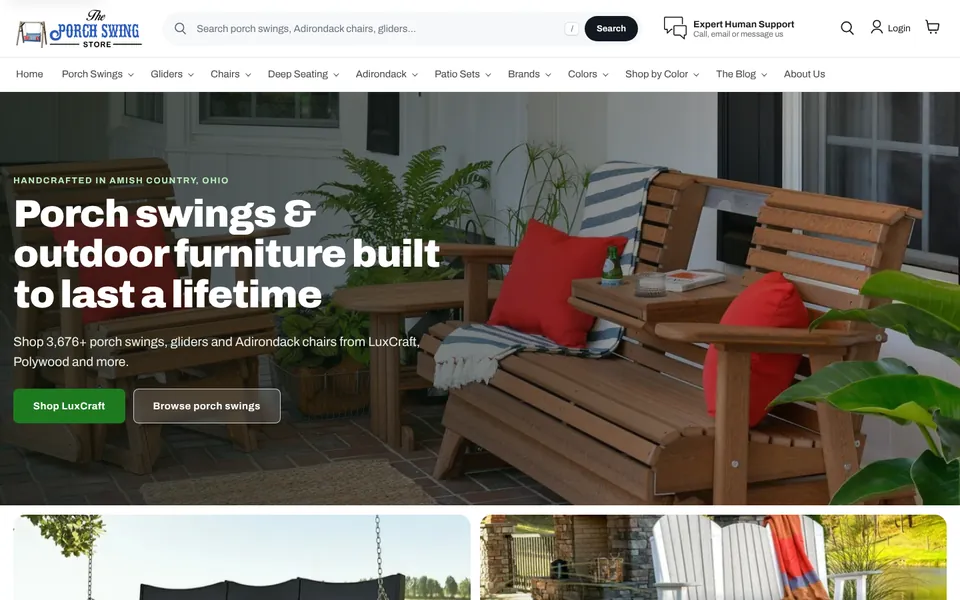
The Porch Swing Store: before and after
Google Lighthouse lab tests, the engine behind PageSpeed Insights, run on the old and new storefronts. Test the live site yourself
To be clear about what these numbers show: they come from a headless rebuild of The Porch Swing Store, not from tuning a theme. Theme work usually moves the numbers less, because the theme platform and the apps you keep set a floor. We will tell you which route fits your store after the audit.
Measured before, during and after
Speed work is only worth doing if it shows up in the numbers. Every step is measured the same way.
- BaselineWe test your key page types several times on mobile and desktop and note your current real-user Core Web Vitals, so there is a fair starting point.
- AuditWe list every app, script, tag, font, image and theme section that loads, with what each one costs in speed and whether it is still earning its place.
- Fix in order of impactChanges are made on a duplicate theme, biggest wins first. You preview the faster version before anything is published.
- Publish & re-testWe publish, re-run the same tests and give you a simple before-and-after report.
- Check real-user dataField data lags by weeks, so we check it again once it has caught up and tell you whether real shoppers are getting the improvement.
Other ways we help Shopify stores
Speed is often tied up with apps and, for some stores, the theme itself.
Questions about Shopify speed
Why is my Shopify store slow?
In most cases it is what has been added on top of Shopify: app scripts and widgets, large images and autoplay video, several web fonts, tracking tags and heavy theme features such as sliders. Each one seems small, but together they add up, especially on phones.
What are Core Web Vitals?
Three measures Google uses to describe page experience: Largest Contentful Paint (how fast the main content appears), Interaction to Next Paint (how fast the page responds) and Cumulative Layout Shift (how much it jumps around). Google's published thresholds for a good result are LCP of 2.5 seconds or less, INP of 200 milliseconds or less and CLS of 0.1 or less.
Will speeding up my store change how it looks?
Not unless you want it to. Most of the work is behind the scenes. Where a feature costs a lot of speed, such as an autoplay video or a heavy slider, we show you the trade-off and let you decide.
Do you need to remove our apps?
Only the ones that are not earning their place. We show you what each app costs in speed and money. Often a couple of apps can be replaced by one, or by a built-in Shopify feature, and leftover code from uninstalled apps can simply be removed.
Why is my PageSpeed score different every time I test?
Lab tests such as PageSpeed Insights and Lighthouse run a simulated phone on a simulated connection, so scores move a few points between runs. That is why we test several times and also look at real-user field data, which reflects what your actual shoppers experience.
How much faster can a theme get?
It depends on how much has built up on the store. Stores weighed down by apps and media often improve a lot; stores that are already lean improve less. We give you a realistic estimate after the audit, and if a theme cannot get where you need it to, we will say so.
Will this break our tracking or our apps?
It should not. Every change is made on a duplicate theme and tested, including add to cart, checkout handoff, analytics and ad conversion events, before it is published. You can switch back to the old theme at any time.
Find out what is slowing your store down
Start with the free business analysis. It measures how fast your site loads and how it shows up in search, and builds a plan with prices.